



Spinaluna Casino App
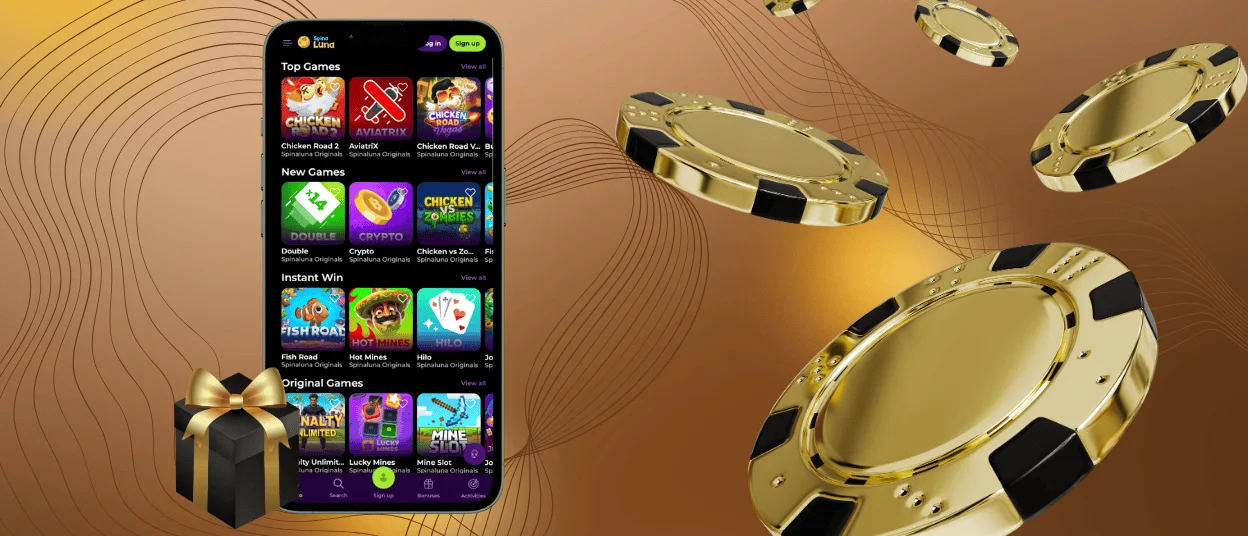
The Spinaluna app is a progressive web app (PWA), meaning there is no installation file or need to visit the app store. To start, a player opens our mobile casino in a browser, saves the shortcut to their home screen, and the icon is ready to use. The Spinaluna features and security match the desktop version – the team built the mobile version with the same standards from the beginning.



Spinaluna Mobile Casino
The mobile version of Spinaluna is fast and stable. Pages load in seconds. Games run smoothly on most devices.
All data is encrypted with TLS 1.3. Payments meet PCI–DSS standards. Security updates apply on the next launch.
Cached data keeps the session active during short signal drops. Account history stays visible at all times.
| Spinaluna Mobile App Features | What It Does | Player Benefit |
| Touch–optimized layout | Menus and buttons are scaled for finger input | No accidental taps; controls respond as expected |
| Background asset caching | Game files load before you click them | Less waiting between rounds |
| TLS–encrypted connections | All data moves through secure channels | Account and payment details stay private on any network |
| Server–side auto–updates | New version is applied each time the app opens | No manual installs or app store visits needed |
| Push notifications | Bonus and promotion alerts sent directly to the device | Players catch active offers without checking the site |
Mobile Application for Android
The Spinaluna app works on Android 8 and newer versions. It runs smoothly on most phones and tablets. On larger screens, the layout adjusts naturally and gives players more space for games. Chrome is the best browser for using the app, and other Chromium browsers also work well.
Spinaluna opens directly in the browser and gives players instant access to slots, live casino games, and crash games. The app updates automatically whenever you open it, so the latest version is always ready to use.
To add Spinaluna to your Android home screen:
- Open Chrome and go to spinalunacasino.org.
- Tap the three–dot menu icon in the top right corner.
- Select Add to Home Screen, then Create Shortcut.
- Keep the default name or rename it, then tap Add.
Spinaluna APK
Spina Luna Casino works directly in your browser, so you can start playing right away without extra installations. The mobile version runs on the same system as the desktop site, giving players full access to games and features. Whenever the platform updates, the latest version loads automatically the next time you open the app. That’s why no APK is needed.
Mobile Application for iOS
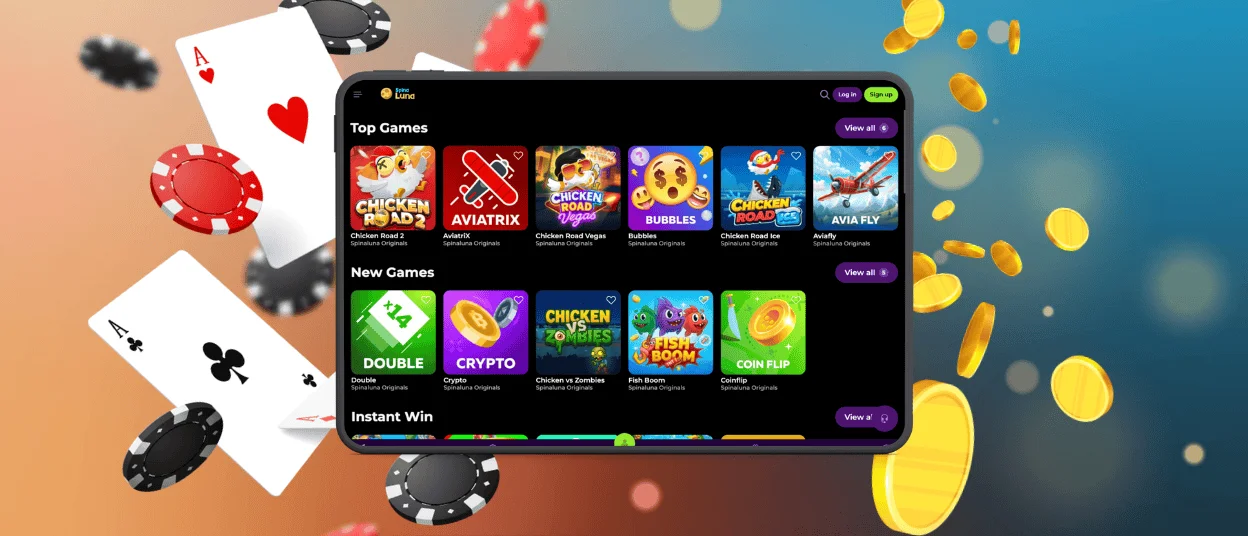
The Spinaluna app is fully compatible with iPhone and iPad. It runs through Safari and does not require any download – the installation process takes under a minute and leaves no files on the device. Face ID and Touch ID work for login on supported devices, which keeps entry fast at every session. The verification process for account withdrawals works identically to desktop, and the Spina Luna app on iOS updates in the background with no manual steps needed.
To add it to the home screen, follow these four steps:
- Open spinalunacasino.org in Safari.
- Tap the Share icon at the bottom of the browser.
- Select Add to Home Screen from the share sheet.
- Confirm the name and tap Add – the icon appears immediately.
Once installed, the Spina Luna app opens directly into the casino without the browser toolbar visible.
Spinaluna Casino Application for Windows/macOS
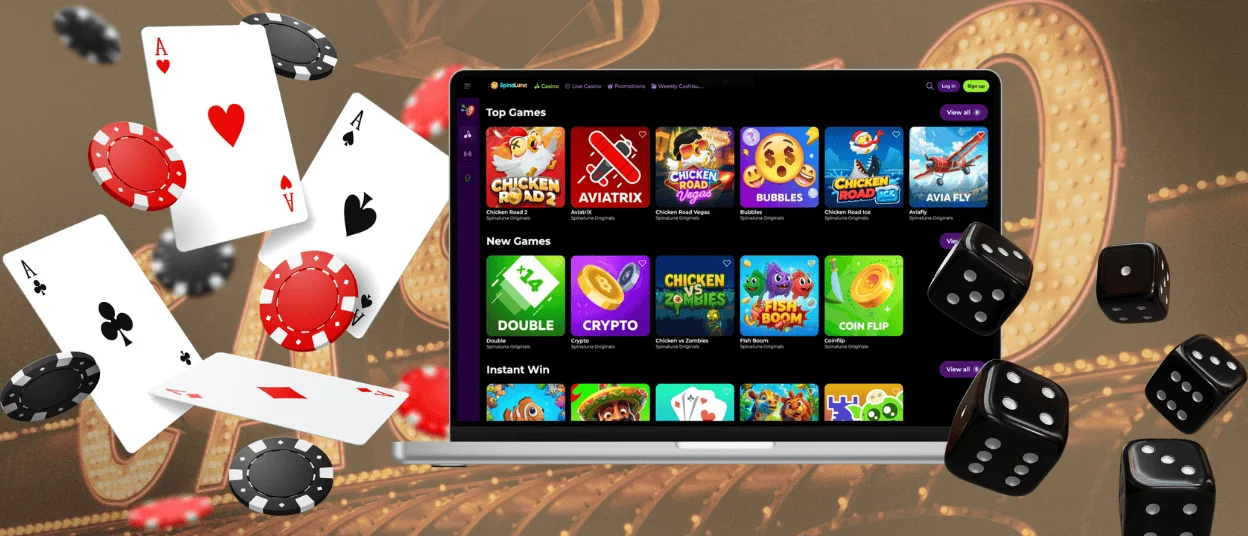
Neither Windows nor macOS requires anything installed to run Spinaluna casino. The site opens in any modern browser and the full feature set is right there: games, account tools, payments, support. We have not registered notable differences in performance across different PC configurations, and the layout adjusts cleanly to any screen size, from a small laptop to a wide monitor.
On Mac, Safari tends to give the cleanest result, though Chrome and Firefox work just as well. Our Support Team is a click away via live chat in any browser session. The complete Spinaluna casino catalog – every slot, table, and live game – is accessible without installing anything extra. Players who use the Spinaluna app on mobile and later switch to desktop will find everything exactly as they left it.
FAQ
Is there customer support in the Spinaluna Casino app?
Live chat is available in the Spina Luna app on all devices, accessible from the side menu. Our Support Team works around the clock and responds to payment questions, account issues, and general queries. Players do not need to leave an active game to reach support – the chat opens as an overlay.
Do I need an account to use the Spinaluna app?
The site and game previews are open without an account. Real–money play, bonus claims, and withdrawals all require registration. Creating an account takes a few minutes and logging into the Spinaluna app afterward is a matter of entering saved credentials. The verification process runs before the first withdrawal – once it is done, the full gaming experience opens up, the welcome offer included.
Are all games available in the app?
The Spinaluna mobile app and desktop share the same game library. That includes online slots, crash titles, live dealer rooms, and table games from studios such as Pragmatic Play, Evolution, NetEnt, and BGaming. Saved favorites and search filters work on mobile the same way they do on desktop, so returning players will find their usual setup already in place.
How can I update the Spinaluna Casino app?
The Spina Luna app does not need manual updates. When you open it, it checks whether the server has a newer build and fetches it silently. Players never have to visit an app store or free up storage for this. If the app was left open for a while, a simple page refresh brings in whatever changed in the meantime.


